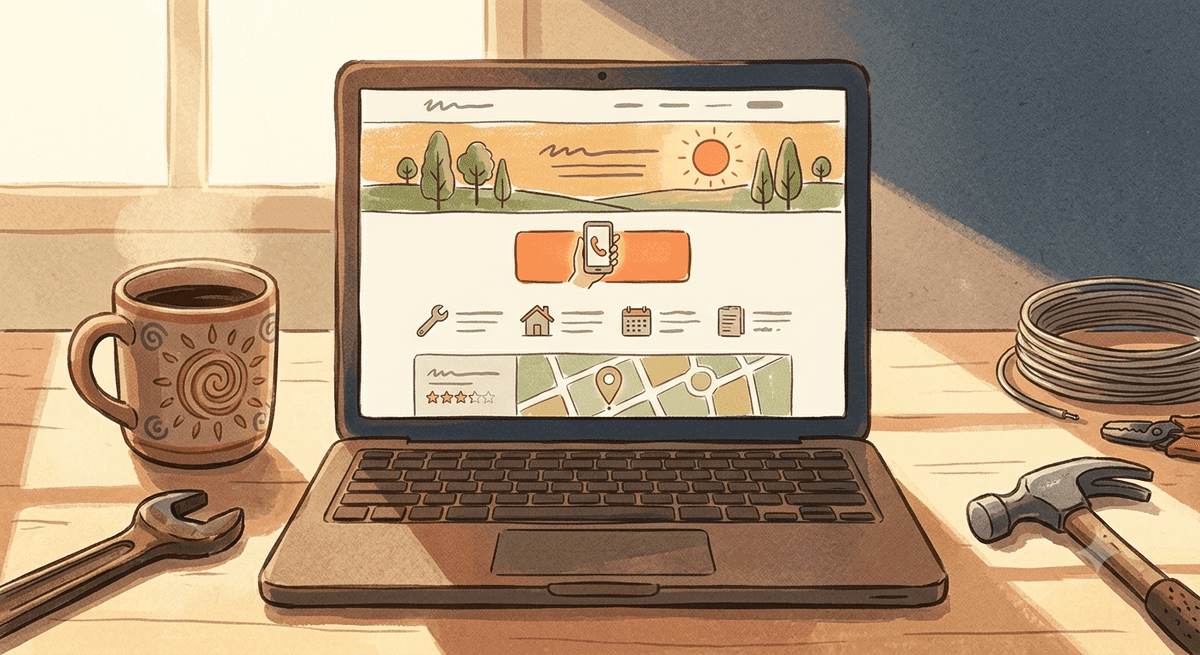
Most service business homepages look fine and book nothing. They have a nice photo, a logo, a menu, maybe a slider that nobody asked for. And they sit there politely while visitors leave. A homepage is not a digital brochure. It is the hardest working page on your site, and if it is built right, it is a salesperson that works every hour of every day. Let me walk you through that page section by section, top to bottom, the way I build it for DFW service businesses.
I have been building these since 2015, and the order matters as much as the parts. A visitor reads a homepage like a story, and each section has one job: get them to the next one, and eventually to the phone. If you want the deeper why behind all of this, my post on why your website isn’t converting is the companion to this one. Here we are just going to build the page.
The hero: say what you do, where, and what to do next
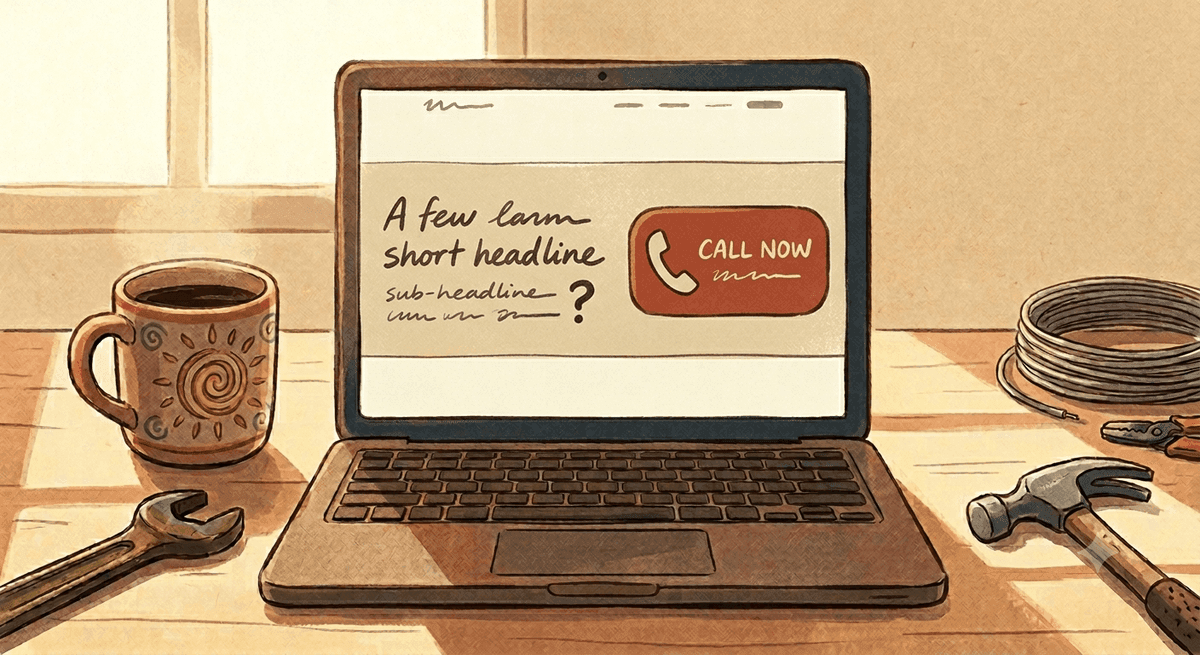
The hero is the first screen someone sees, and you have about three seconds to pass the test running through their head: am I in the right place. So spell it out. A clear headline that says what you do and who you do it for. “Reliable AC repair for Arlington and the DFW metro,” not “Welcome to our website” or some clever tagline nobody understands.
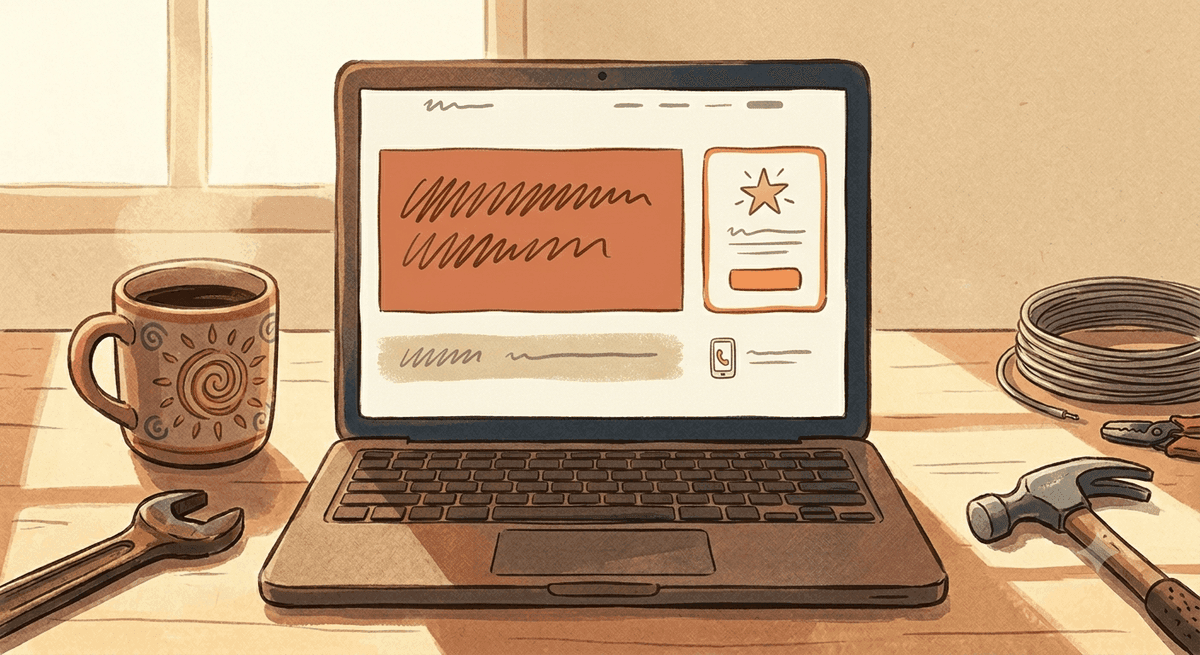
Underneath it, one short line that adds the reason to trust you: same day service, licensed and insured, twenty years in the area, whatever is true and matters. And then one clear button. Get a free quote, or call now. One. Not five competing options. The hero should answer what you do, where you do it, and what to do next, all without scrolling. Get that right and everything below it has a chance.
Trust band: prove you are real, fast
Right under the hero, before you ask for anything, prove you are legit. This is a quick strip of trust signals: a row of review stars, recognizable logos if you have them, licenses, years in business, the areas you serve. It is fast and visual, and it does an enormous amount of quiet work, because a stranger is deciding in real time whether you are a real business or a fly-by-night.
This is also where real photography starts earning its keep over stock, the same point I make in what makes a great website design. A glimpse of your actual trucks or team here is worth more than any badge.
Services: make it obvious what you can fix
Now that they know you are real, tell them exactly what you do. A clean grid or list of your core services, each one a clear label and a short line, each linking to a fuller page. The goal is for someone to scan it in seconds and think “yes, that is my problem, they handle it.”
Do not bury this. Do not make people hunt through a menu. The homepage should surface your main services right there, because the person who lands on your home page may never click into the navigation at all.
Why you: the reason to pick you over the next result
Your visitor has three other tabs open. This section answers the only question that matters to them: why you instead of them. Keep it concrete and human. Not “quality and integrity,” which every business claims, but the real, specific reasons. You answer the phone yourself. You show up when you say you will. You have served this exact area for fifteen years. You clean up after the job.
This is where your voice matters most. Say it the way you would say it to a neighbor, because that is who is reading.
Proof: let your customers do the selling
People believe other customers far more than they believe you. So this section is real reviews and testimonials, ideally with names and locations that feel local. A few strong, specific quotes beat a wall of generic five-star blurbs. “Showed up two hours after I called on a Sunday and fixed it for a fair price” sells. “Great service!” does not.
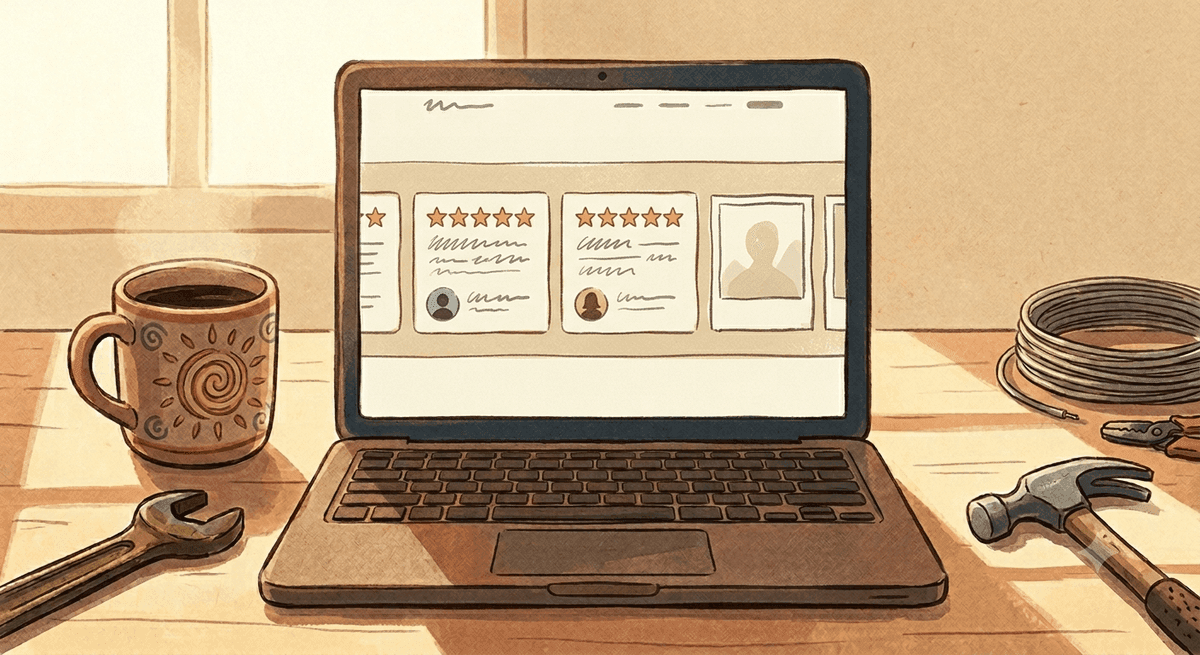
If you have a standout result or a story, this is the place for it. Proof is what turns an interested visitor into someone reaching for the phone.
The closing call to action: make the next step effortless
By the time someone reaches the bottom of your homepage, they have decided or they have not. Your job is to make acting on a yes completely effortless. End the page with a strong, simple call to action band: a short line and a big, obvious button or tap-to-call number. Do not make them scroll back up or dig for your contact info.
And your phone number should be tap-to-call and visible in the header the entire time, on every screen, so a ready-to-call visitor never has to look for it. The whole page has been building to this moment. Do not fumble it at the goal line.
Put it together
Hero, trust band, services, why you, proof, closing call to action. That is the spine of a service business homepage that books calls instead of just sitting there. Every section hands the visitor to the next, and the whole thing points at one outcome: a phone ringing. The look can flex to your brand, but the structure and the order are what do the work. A pretty homepage in the wrong order still loses. This one wins. If you are weighing whether your current site is worth keeping or rebuilding, I cover that in what makes a website worth paying for.
Frequently asked questions
What should be at the top of a service business homepage?
The hero section, with a clear headline stating what you do and the area you serve, one short trust-building line, and a single clear call to action like “Get a free quote” or “Call now.” A visitor should understand what you do, where, and what to do next without scrolling. Avoid vague welcome messages and competing buttons.
How long should a service business homepage be?
Long enough to move through the key sections (hero, trust, services, why you, proof, and a closing call to action) and no longer. Each section should earn its place by moving the visitor toward contacting you. A focused page that flows in the right order outperforms both a thin one-screen page and a bloated one stuffed with everything.
Where should my phone number go on the homepage?
In the header, visible and tap-to-call on every screen, plus in the hero and again in a strong closing call to action at the bottom. A ready-to-call visitor should never have to hunt for it. Tap-to-call is essential because most local service searches happen on phones.
Want a homepage that books calls?
If you run a service business in the DFW area and your homepage looks fine but is not bringing in calls, that is exactly what I build at PC Designs. The right sections, in the right order, pointed at a ringing phone. Reach out and let’s talk.