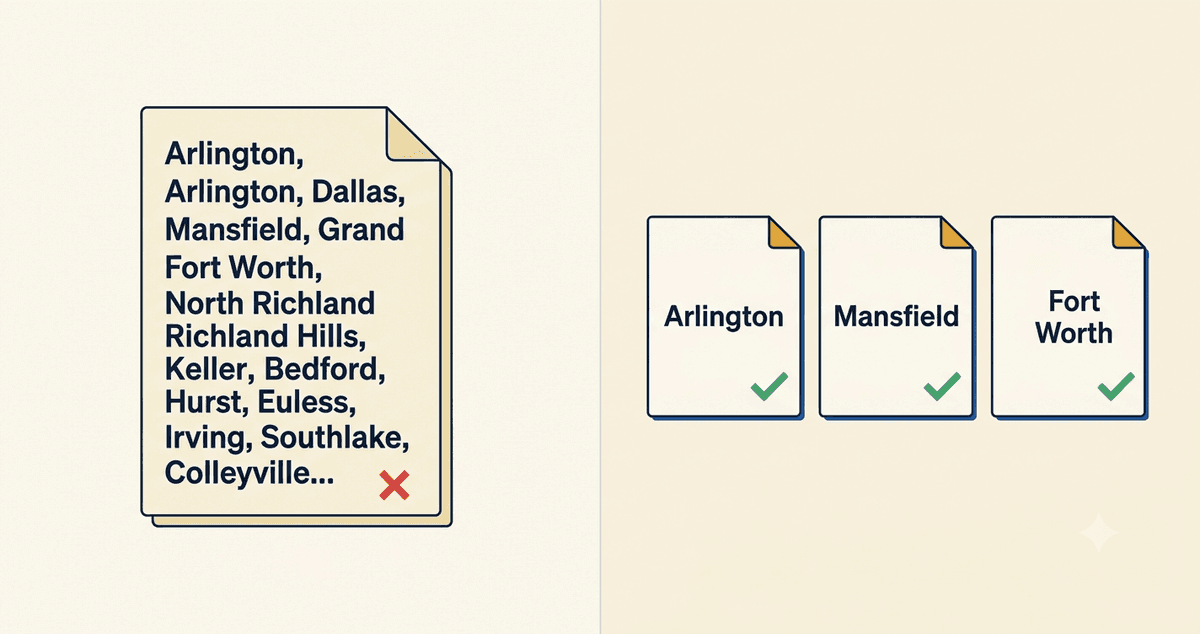
Here is a question I ask almost every DFW service business I talk to: if you serve Arlington, Mansfield, and Fort Worth, how many pages on your website actually talk about those cities? Nine times out of ten the answer is one. A single “Service Areas” page with a paragraph that lists every city, separated by commas. And that one page is the reason they are not ranking in any of them.
I have been doing local SEO across the metroplex since 2015, and this is one of the most common, most fixable mistakes I see. If you want to show up when someone in a specific city searches for what you do, you need a real page for that city. Here is why one list page does not cut it, and what to build instead.
Why one “Service Areas” page can’t rank everywhere
Google ranks pages, not websites. When someone searches “plumber in Mansfield,” Google looks for the page that most specifically and thoroughly answers that exact search. A page that says “we serve Arlington, Mansfield, Fort Worth, Grand Prairie, Plano, and surrounding areas” does not specifically answer any of those searches. It mentions them. There is a difference.
Think of it from Google’s side. It has two pages to choose from for “Mansfield plumber.” One is a competitor’s page titled “Plumbing in Mansfield, TX” with several hundred words about Mansfield, the neighborhoods they serve, and a local job they did. The other is your page that lists Mansfield among eight other cities in one sentence. Google picks the specific one every time. You gave it nothing to rank.
What a real city page actually does
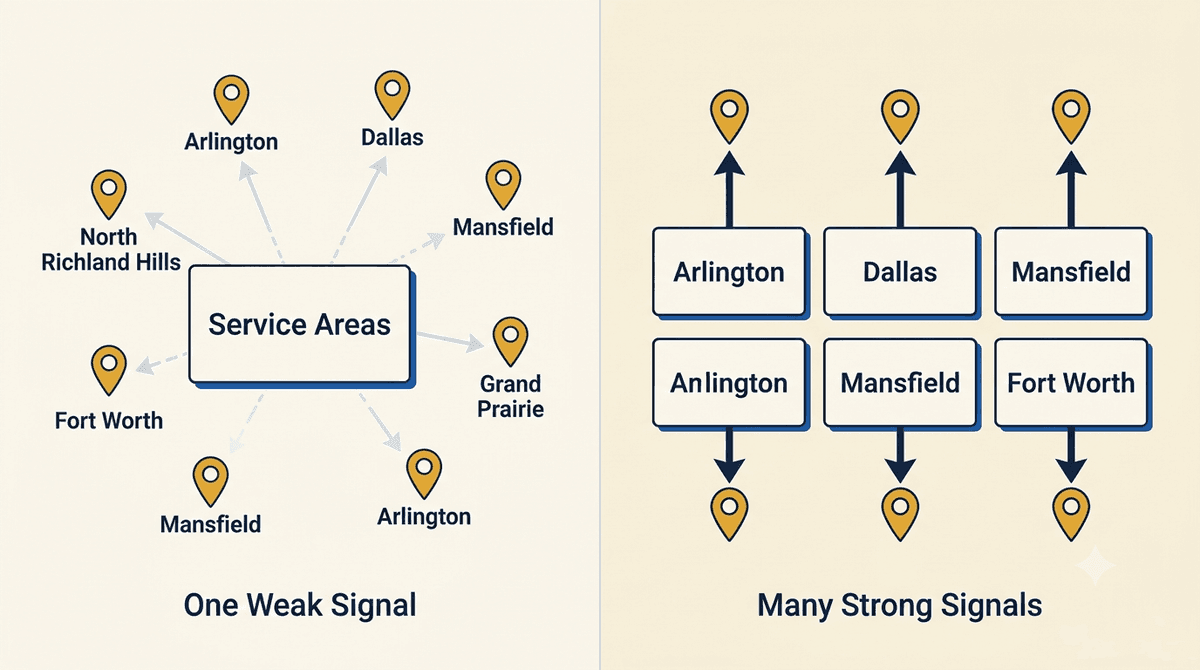
A dedicated city page gives Google a clear, focused signal: this business serves this city, and here is the proof. Done right, each one has the city in the page title and URL, a headline that names the city, real content about serving that area, and the kind of detail a generic page can never carry.
That is exactly how I structure my own service-area pages. I do not have one page that lists every city I work in. I have a real page for local SEO in Arlington, another for Fort Worth, another for Mansfield, and so on through Plano, Dallas, and Grand Prairie. Each one speaks to that city specifically, because that is what it takes to rank there.
The line between real city pages and spam
Now the important warning, because this is where businesses get themselves penalized. There is a right way and a wrong way to build city pages, and the wrong way can hurt you.
The wrong way is what Google calls doorway pages: a stack of near-identical pages where someone copied one template and swapped the city name. “Plumber in Arlington,” “Plumber in Mansfield,” “Plumber in Hurst,” all the same 200 words with the city find-and-replaced. Google’s spam policies name this directly, and it can tank your rankings instead of helping them.
The right way is genuinely useful pages. Each city page should have content that is actually different and actually relevant to that city: the neighborhoods you cover, a local project or client, the specific concerns customers in that area have, real local detail. If you would not be embarrassed to hand the page to a customer in that city, you are on the right side of the line. If the only difference between two pages is the city name, you are on the wrong side.
How many city pages should you have?
Only build a page for a city you genuinely serve and can write honestly about. It is better to have three strong city pages for the areas you actually work in than fifteen thin ones for cities you have never set foot in. Start with your core service area, the cities where most of your customers already come from, and build a real page for each. Add more as you expand, not before.
For most DFW service businesses, that is somewhere between three and eight cities. Build those well, link them together with a service-areas hub page, and you have a structure that can actually rank, instead of one page trying and failing to be everywhere at once.
Tying it back to the rest of your local SEO
City pages are one piece of the local SEO picture, not the whole thing. They work alongside your Google Business Profile, which is what gets you into the Google map pack, and the on-page work that helps you show up for near me searches. The city pages give Google the specific local content it needs. The profile gives it the trust and proximity signals. Together they are what put you in front of customers in each city you serve.
Frequently asked questions
Will Google penalize me for having multiple city pages?
Not if they are genuinely useful and different from each other. Google penalizes doorway pages, which are thin, near-duplicate pages that exist only to catch a city keyword. Real city pages with unique, relevant content about each area are fine and are standard practice for local businesses. The test is whether each page would actually help a customer in that city.
What should go on a city service page?
The city in the title, URL, and headline; real content about serving that area; the neighborhoods or landmarks you cover; a local example or client if you have one; clear next steps to contact you; and LocalBusiness schema. The goal is a page that specifically and thoroughly answers the search “what you do in that city.”
Do I need a city page for every town near me?
No. Only build pages for cities you genuinely serve and can write about honestly. Three strong pages beat fifteen thin ones. Start with the cities most of your customers already come from and expand from there as your service area grows.
Want city pages that actually rank?
If you serve multiple DFW cities and you are stuck with one tired “Service Areas” page, that is a fixable problem and one I handle all the time. See how I approach local SEO, or reach out and let’s map out the city pages your business actually needs.