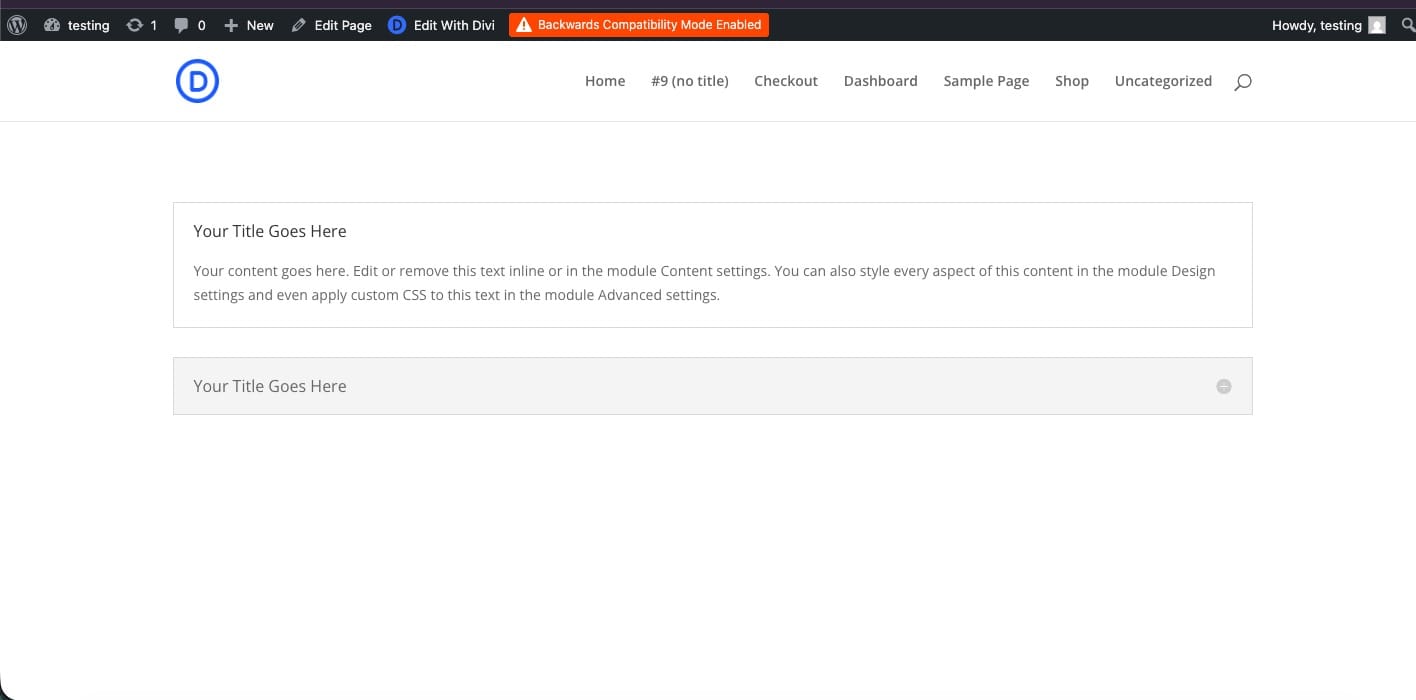
If you run a Divi site, you’ve heard the advice by now: run the free migrator, tweak a few things, and you’re on Divi 5. Here’s the part nobody mentions. The free migrator converts the standard built-in modules, but anything from a plugin or a custom module gets left in what Divi calls Backwards Compatibility Mode, still running the old Divi 4 framework. Your site reports Divi 5, but those parts are still Divi 4 underneath, and Divi even shows you a banner that says so.
I’m Dyllon. I run PC Designs here in Texas, and I’ve rebuilt enough Divi sites to know that a half-finished migration isn’t the same as moving. So I built a way to do it for real. Here’s the difference, in plain English.
What the free Divi 5 migrator actually does
Divi 5 is a genuine step forward, a faster and more modern foundation. And to be fair, the free migrator does convert the standard built-in modules to native Divi 5. The catch is everything else. Modules from third-party plugins and any custom modules it cannot convert, so it leaves them running in Backwards Compatibility Mode on the old Divi 4 framework. Most real Divi sites lean on at least a few plugin modules, so a real chunk of the site stays Divi 4. That leaves you with a few problems:
- The parts left in Backwards Compatibility Mode load the Divi 4 framework, so they never get Divi 5’s speed.
- Your site reports Divi 5, but those modules are still Divi 4 under the hood.
- You’ll have to rebuild those for real eventually, so the job is not actually finished.
So those modules are Divi 4 in a Divi 5 costume. Fine for a week. Not what you want a chunk of your business running on for a year.
What a real Divi 4 to Divi 5 migration looks like
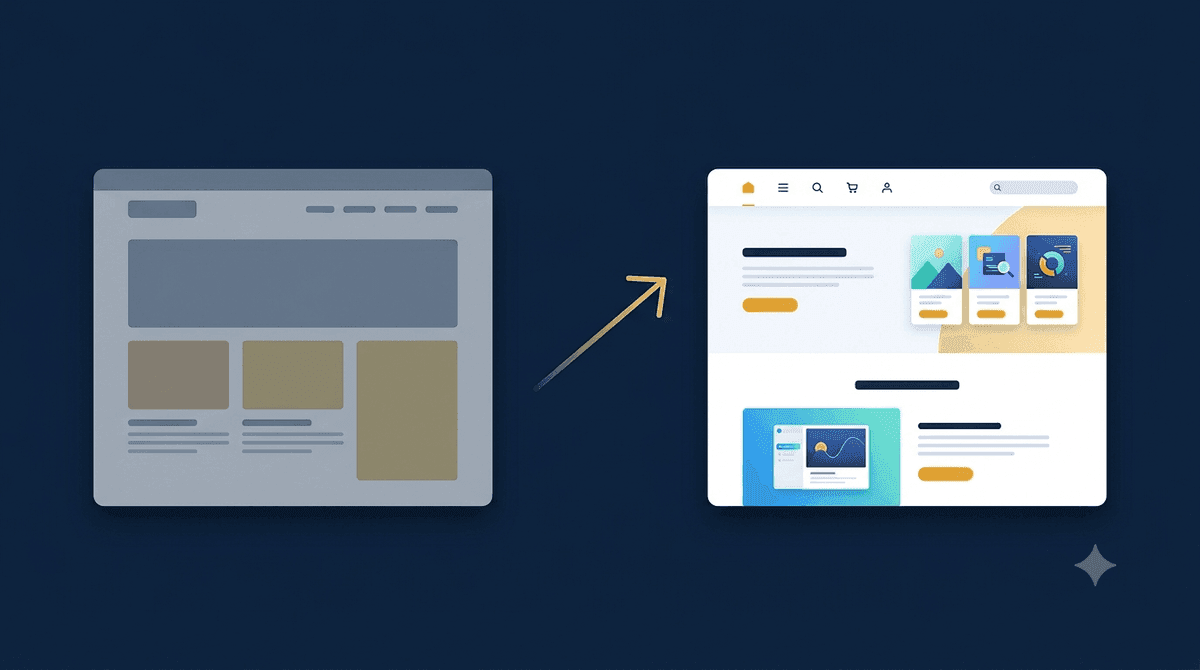
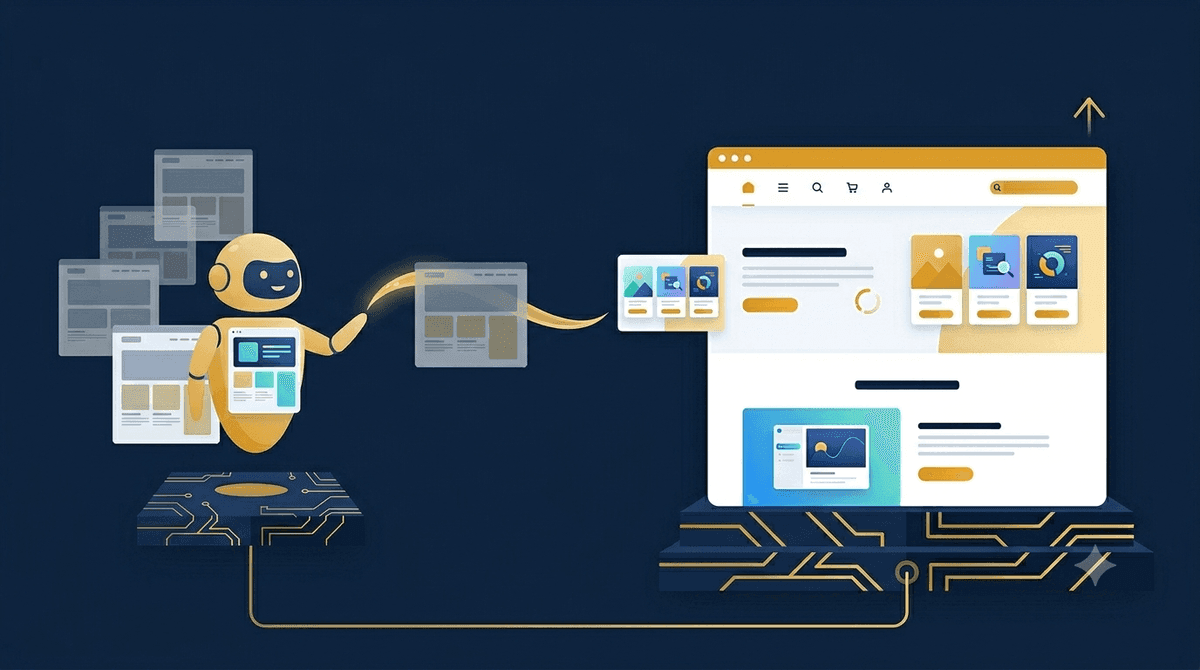
A real migration rebuilds your site, page by page, as native Divi 5, one module at a time, so what you end up with is genuinely built on the new framework, including the custom and plugin modules the free migrator gives up on. That’s exactly what PressConduit does. Here’s the short version:
- Free migrator: converts standard modules, but leaves custom and plugin modules in Backwards Compatibility Mode on Divi 4.
- Real migration: native Divi 5 blocks across the whole page, one clean framework, fast pages, looks exactly like your original.
And to be clear, this is a migration, not a redesign. It matches your original down to the colors, fonts, and spacing. You’re moving the same site to a better foundation, not starting over.
How the migration works
- Connect your own AI. You bring your own Claude. Your AI does the work, and PressConduit just gives it safe access to your site, so your data stays yours.
- Point it at your site. Tell it what to convert: one page, a single section, or the whole site.
- Get real Divi 5. It rebuilds each page in native Divi 5 that looks just like the original. You review it, then publish.
I migrated a 42-page site in an afternoon
This isn’t theory. I recently converted a 42-page site to native Divi 5 in a single afternoon, page for page, looking exactly like the original. A rebuild like that normally runs a client $3,000 to $8,000 and takes weeks. This one took a few hours, and every URL and SEO setting came through untouched.
Will it look the same, and what about my SEO?
Yes on both. Pages are converted in place, so your URLs, slugs, and SEO settings stay exactly as they are. No redirects to manage, no rankings put at risk. The design is transcribed faithfully, and you check every page before it goes live. And because you end up on one clean framework instead of two, your site is in a much better position to stay fast, which Google and your visitors both care about.
It’s more than a migrator
Migration is just the first thing it does. Once your AI is connected to your site, it can build new pages in Divi 5, run your WooCommerce store, and make everyday edits across your site by chat, all with you reviewing before anything goes live. Not ready to move to Divi 5 yet? It works on your Divi 4 site today, too, so you can put it to work now and migrate whenever you’re ready.
Frequently asked questions
How is this different from the free Divi 5 migrator?
The free migrator converts standard modules, but it leaves custom and plugin modules in what Divi calls Backwards Compatibility Mode, still running the Divi 4 framework (Divi shows a banner saying so). PressConduit rebuilds those into real native Divi 5 too, so the whole page is genuinely on Divi 5.
Will the migration change how my site looks?
No. It’s a faithful migration, not a redesign. Your colors, fonts, spacing, and layout are matched to the original, and you review every page before publishing.
Do I need my own AI?
Yes. You connect your own Claude, so the AI cost is yours and your data stays with you. PressConduit just connects your AI to your site safely.
What happens to my URLs and SEO?
They stay the same. Pages are converted in place, so every URL, slug, and SEO setting is left alone, with no redirects and no lost rankings.
Stop running Divi 4 in disguise
If you’re sitting on a Divi 4 site dreading the move, this is the easy way through. Migrate one site free and see your real, native Divi 5 page right next to the original. Take a look at PressConduit and migrate your first site free, or reach out and I’ll help you plan the move.